
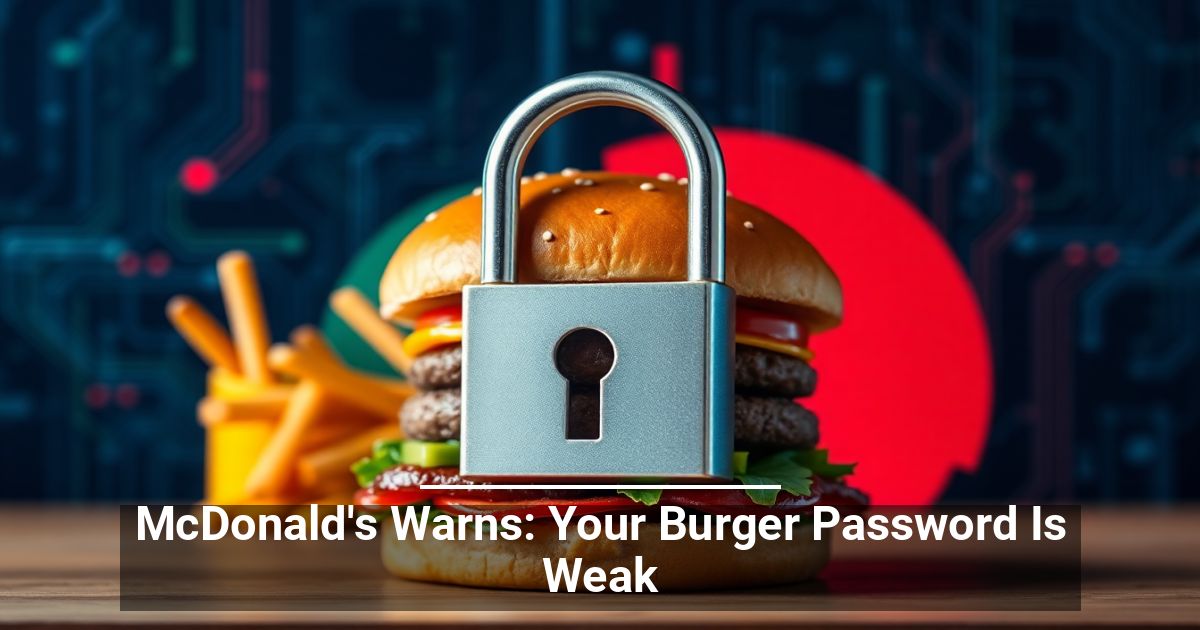
 What's the cost of your team using weak login credentials? McDonald's recent playful statement about "burger passwords" is a timely reminder for establishments to take their cybersecurity seriously. Learn more about it here.
From Big Macs to Breaches
Despite years of warnings and advice from government bodies and cybersecurity specialists, many internet users still use easily guessable codes, such as popular fast food products.
A McDonald's advertisement highlights concerning data from Have I Been Pwned, which shows compromised accounts with passwords containing "big mac" (110,922), "frenchfries" (34,407), "happymeal" (17,269), and "mcnuggets" (2,219).
Slightly Switching Up the Words Won't Make a Difference
In the past, you could get away with using these common passwords by incorporating special characters and numbers, like "B!gMac" or "ch!ck3nmcnugg€t$." This old trick, unfortunately, is not enough to stop modern cracking methods.
When you create a code based on a common word or phrase, threat actors need little effort to cycle through known variations and unlock it through brute force. They now have automated, AI-powered tools at their disposal that can rapidly create a list of predictable substitutions.
Why Robust Password Security Is a Must for Businesses
Compromised accounts put individuals at risk of identity theft, drained bank accounts, or worse. Now imagine that on a corporate level. The stakes are higher for establishments, and subpar login credentials are an open invitation.
When you or one of your employees uses a "burger password," your business may face the following consequences:
- Financial loss and potential legal liabilities
- Unauthorized access to sensitive data
- Damage to brand reputation and customer trust
- Operational disruptions due to compromised systems
Practicing Proper Password Hygiene
Password hygiene refers to the best practices for creating, storing, and managing passwords to secure accounts against cyber threats. Strengthen your account protection and credential safety with these steps.
Create Strong Passwords
Creating strong passwords is the foundation of good password hygiene. A strong password should:
- Be at least 12 characters long.
- Avoid using easily guessed details like names, birthdays, or common words.
Use Password Management Tools
A password manager can help you organize passwords securely. It can even generate strong, unique codes for each of your accounts, so you don't have to remember them all.
Check if You're Already Compromised
Use tools like Have I Been Pwned to quickly check whether your email or passwords were part of a data breach. Update them immediately when you find out they've been exposed. Make it a habit to refresh passwords every few months as well for peace of mind.
A Strategic Response to an Evolving Cybersecurity Risk Landscape
A weak "burger password" is like leaving the door to your business wide open. Protect your company and data with strong, unique codes, modern tools, and consistent updates.